
Manage Content Across All Your Digital Screens
From upload to live in minutes.
No credit card required
Manage Content Across All Your Digital Screens
From upload to live in minutes.
No credit card required
Trusted by
Trusted by














HOW IT WORKS
Set up your display and publish content in 2 minutes
HOW IT WORKS
Set up your display and publish content in 2 minutes
Sign up and start your free trial for flickerwall
Connect Your Screens
Upload & Publish Content
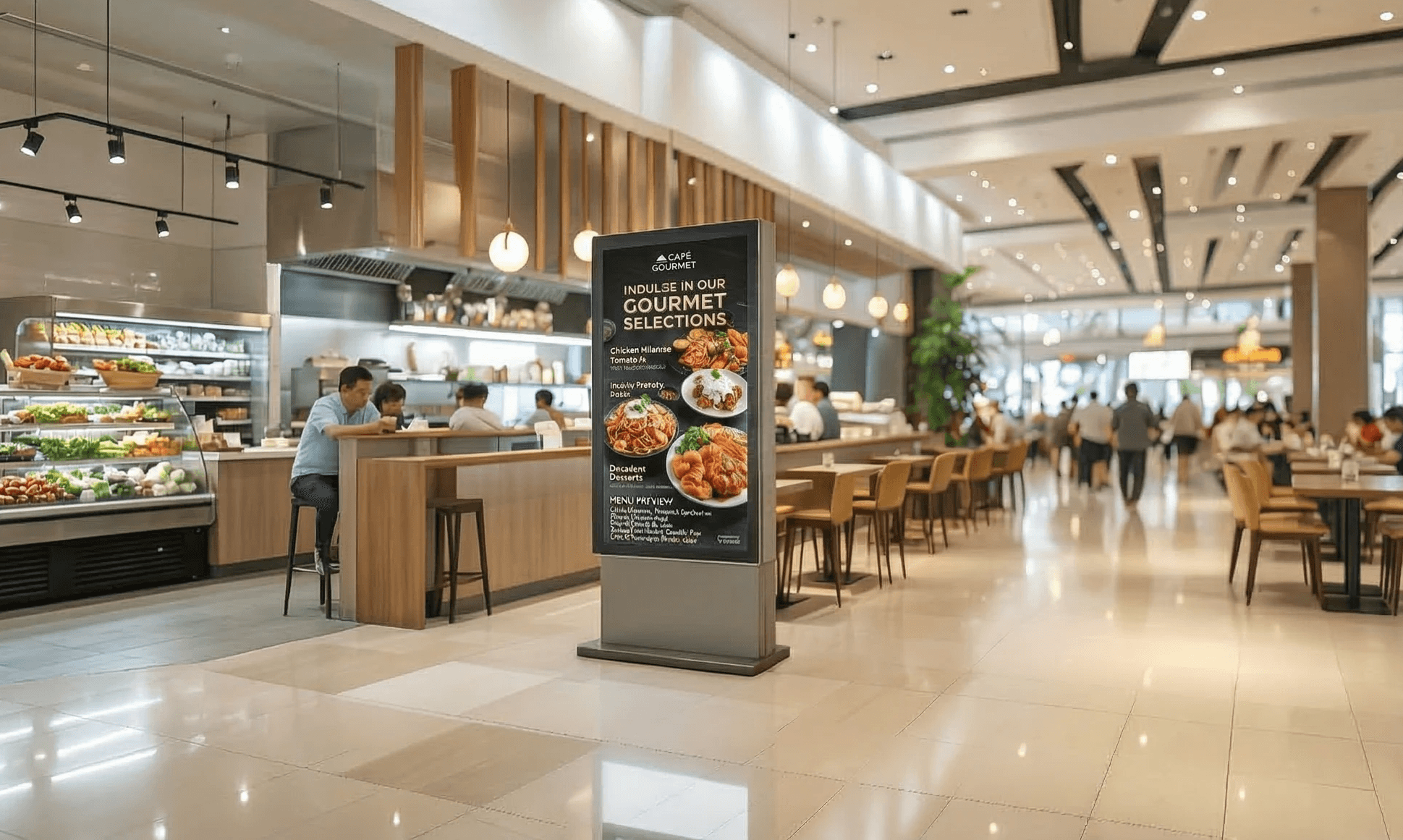
Restaurants & Cafes
Dynamic menu boards and promotions
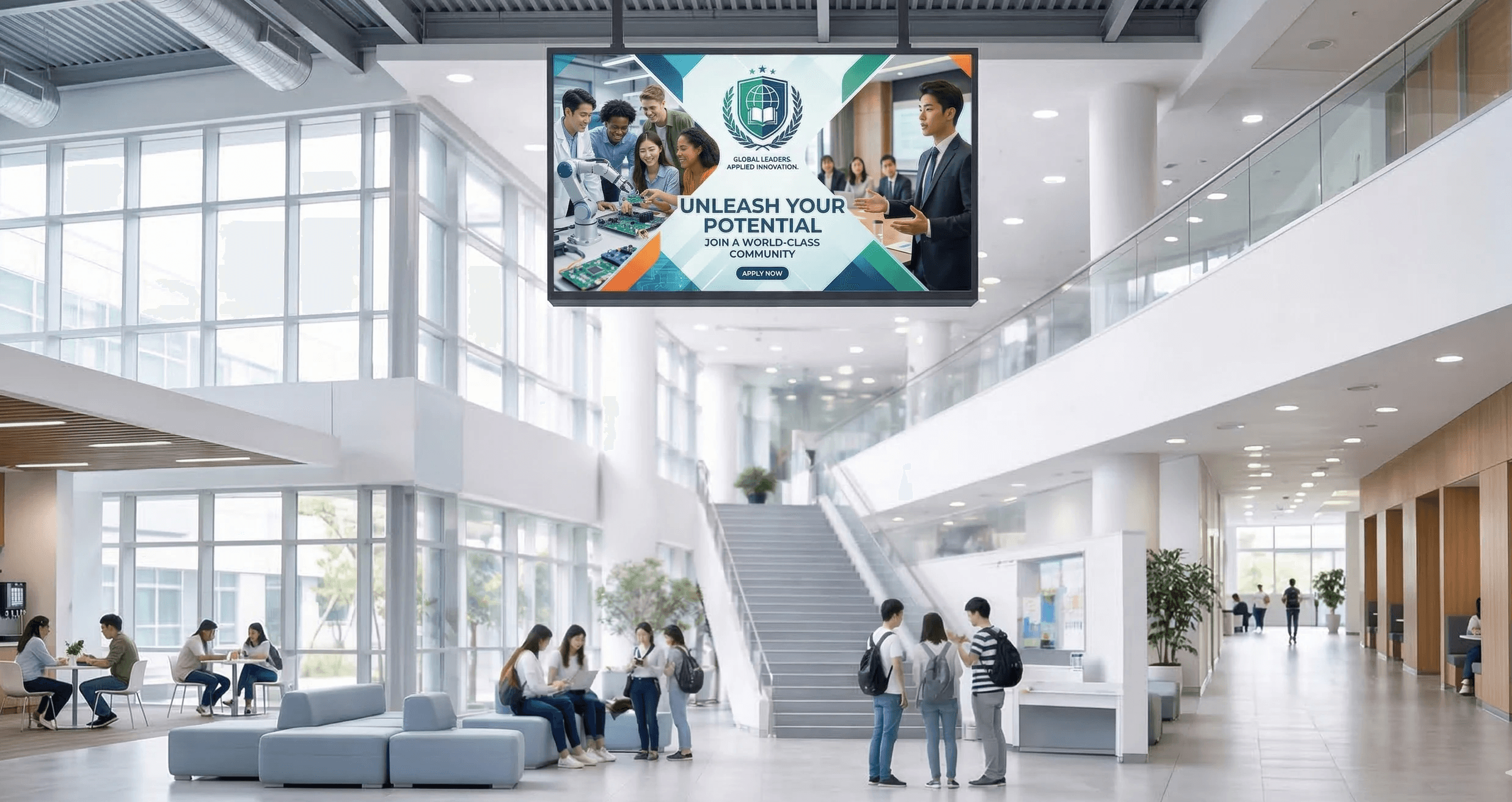
Education
Campus announcements and schedules
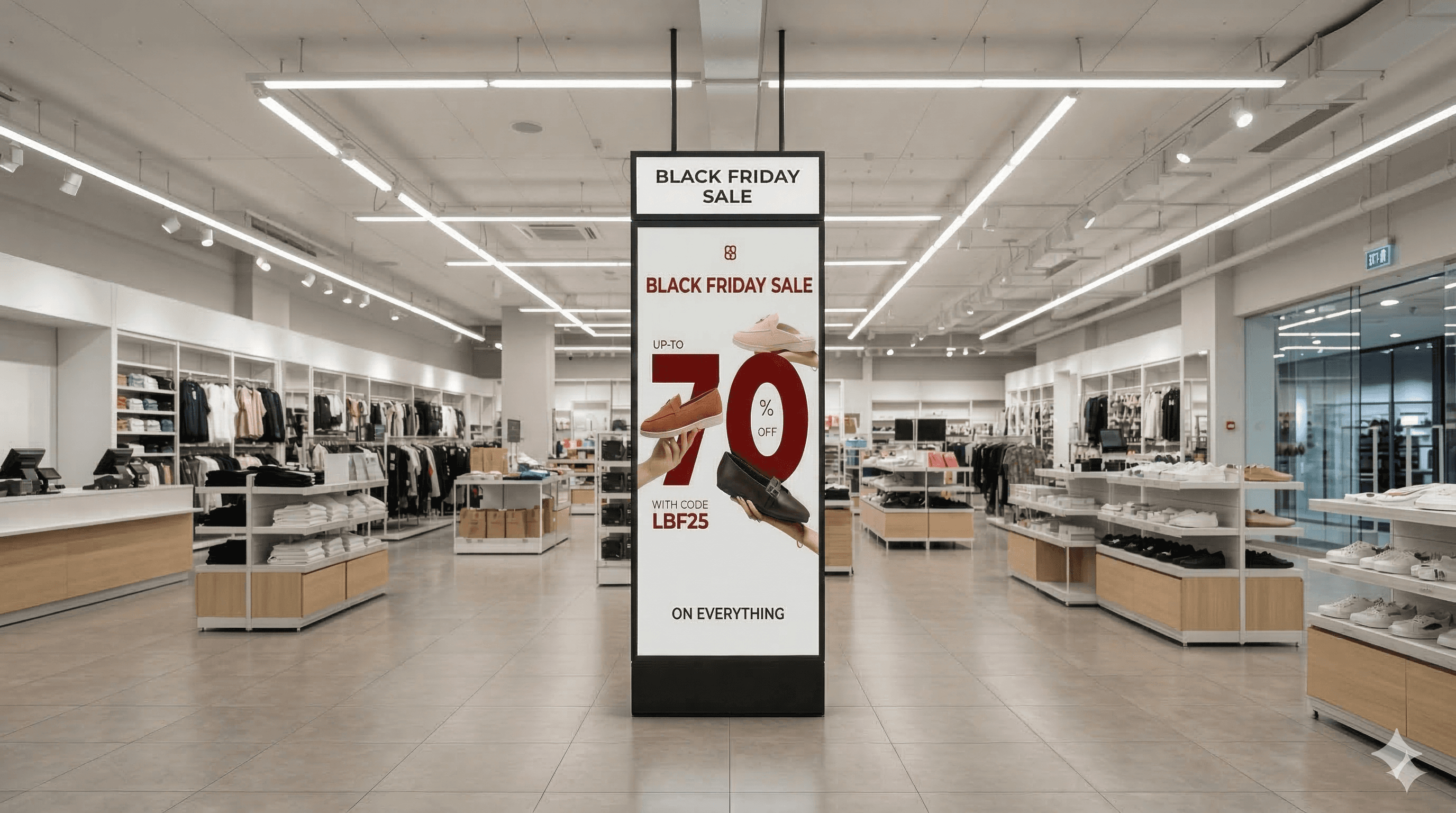
Retail
Promotions, offers, and in-store engagement
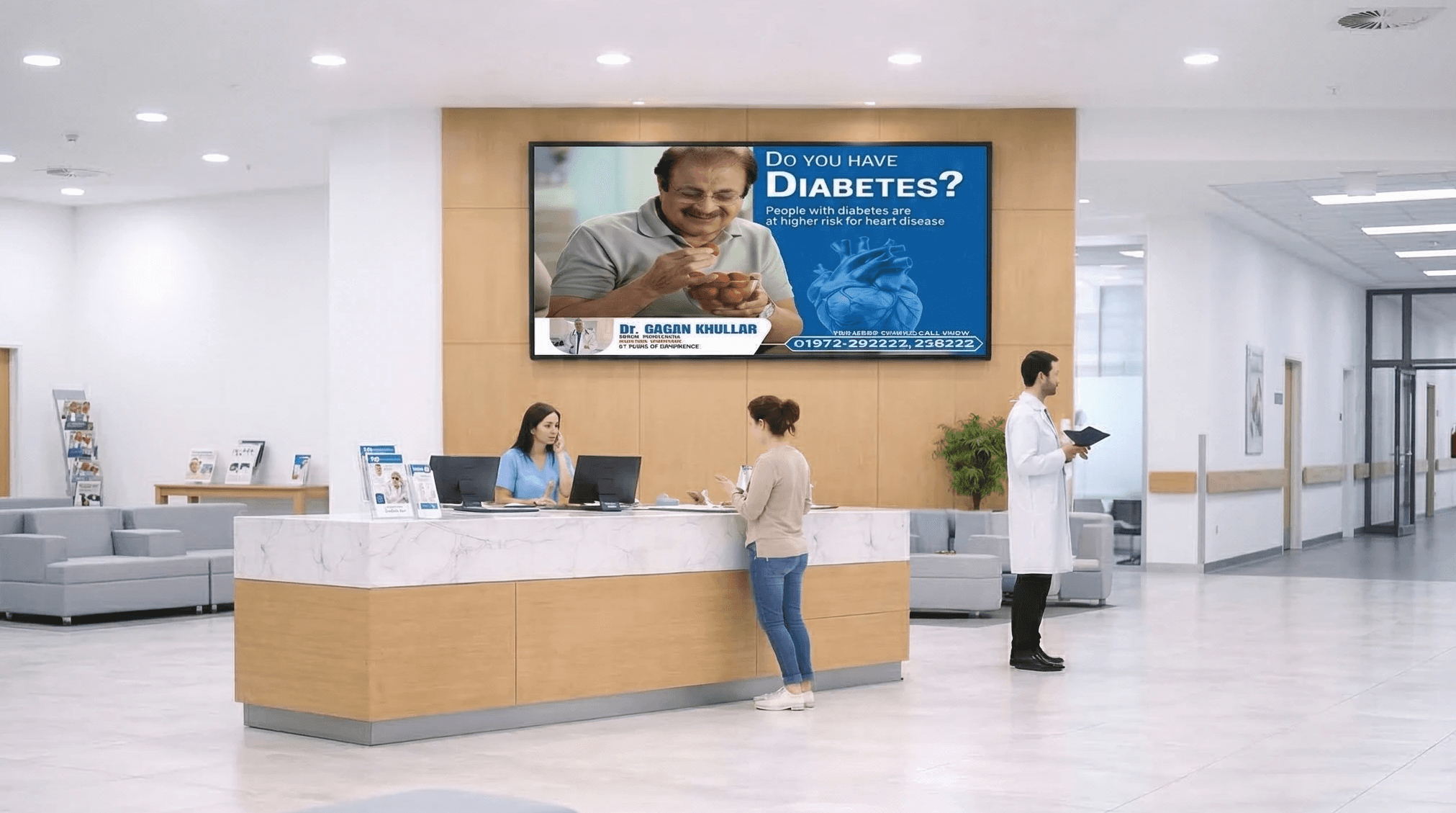
Healthcare
Patient information and queue updates

DOOH
Manage screen Inventory and Ad campaigns
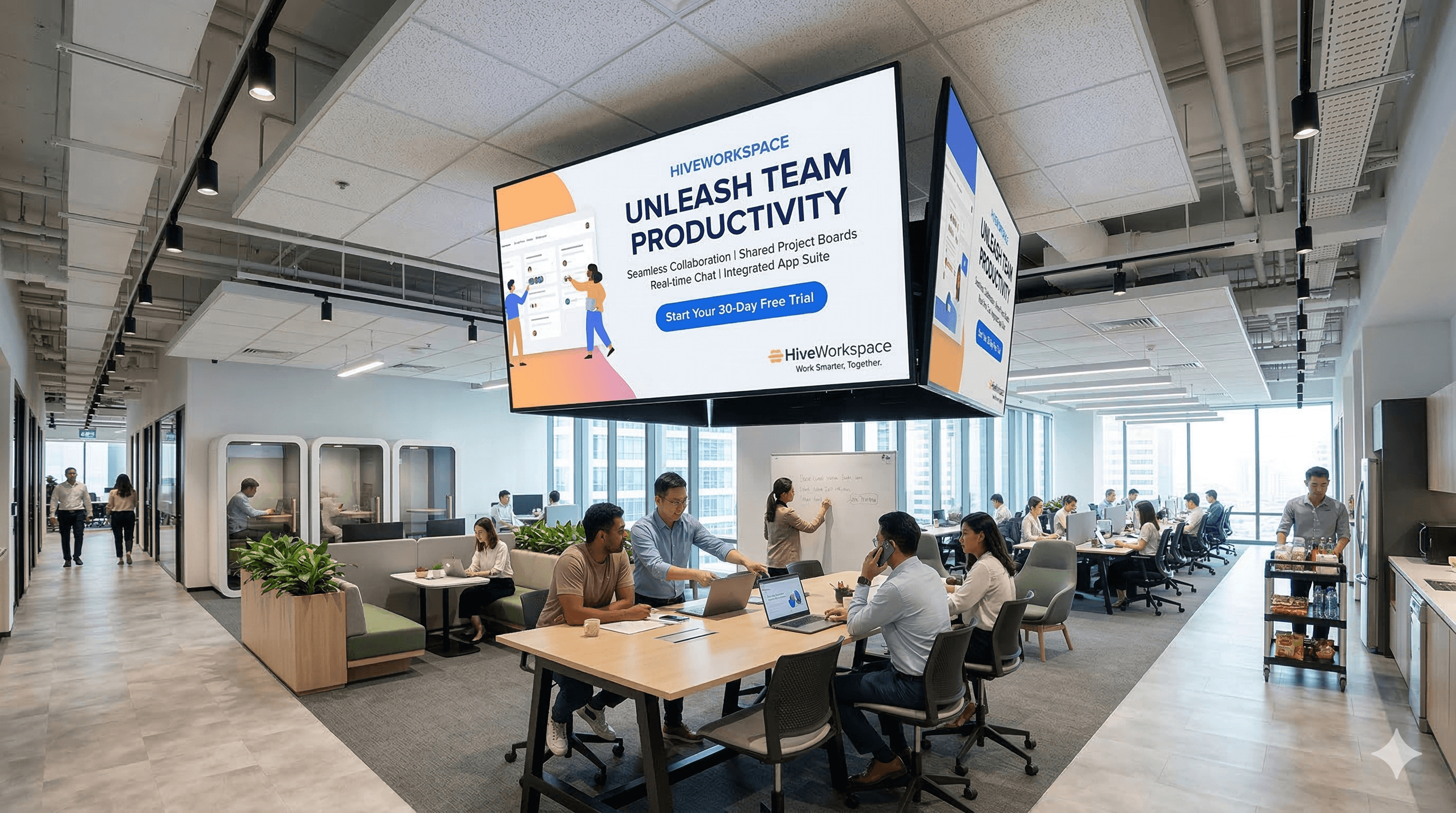
Corporate Offices
Internal communications and dashboards
INDUSTRIES
Digital Signage for Every Industry
From retail stores to corporate offices, Flickerwall helps organizations communicate better with dynamic digital displays.
INDUSTRIES
Digital Signage for Every Industry
From retail stores to corporate offices, Flickerwall helps organizations communicate better with dynamic digital displays.
Retail
Promotions, offers, and in-store engagement
Education
Campus announcements and schedules
Restaurants & Cafes
Dynamic menu boards and promotions
Healthcare
Patient information and queue updates
DOOH
Manage screen Inventory and Ad campaigns
Corporate Offices
Internal communications and dashboards
Retail
Promotions, offers, and in-store engagement
Education
Campus announcements and schedules
Restaurants & Cafes
Dynamic menu boards and promotions
Healthcare
Patient information and queue updates
DOOH
Manage screen Inventory and Ad campaigns
Corporate Offices
Internal communications and dashboards
FEATURES
FEATURES
Everything You Need to Run Digital Signage
Everything You Need to Run Digital Signage
Flickerwall provides powerful tools to manage, schedule, and monitor your displays at scale.
• Manage and monitor screens remotely
• Publish and schedule content instantly
• Create custom layouts and dynamic displays
• Track device performance and uptime
Flickerwall provides powerful tools to manage, schedule, and monitor your displays at scale.
• Manage and monitor screens remotely
• Publish and schedule content instantly
• Create custom layouts and dynamic displays
• Track device performance and uptime
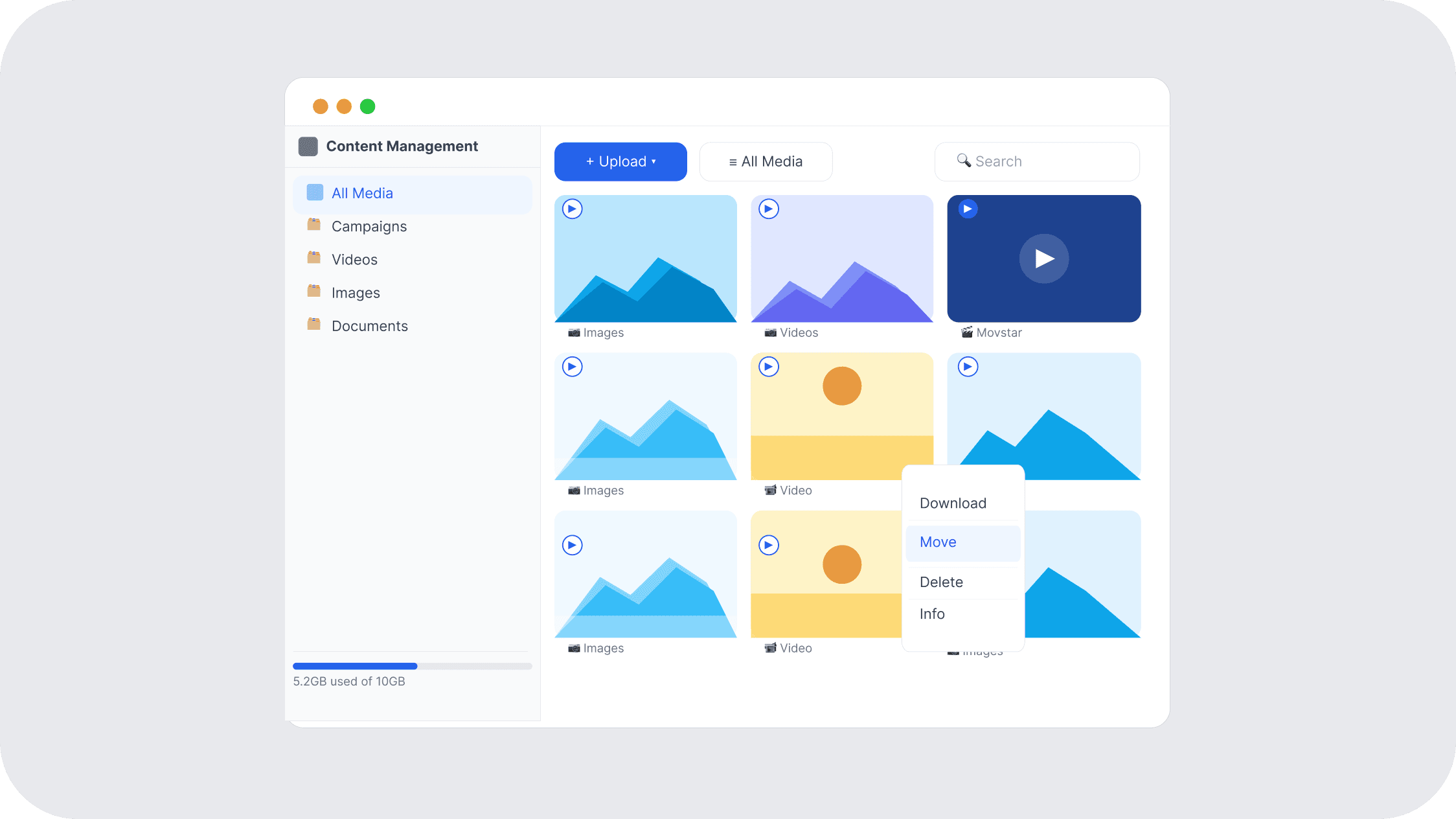
Content Management
Upload images, videos, PDFs, and organize media in folders for easy publishing.
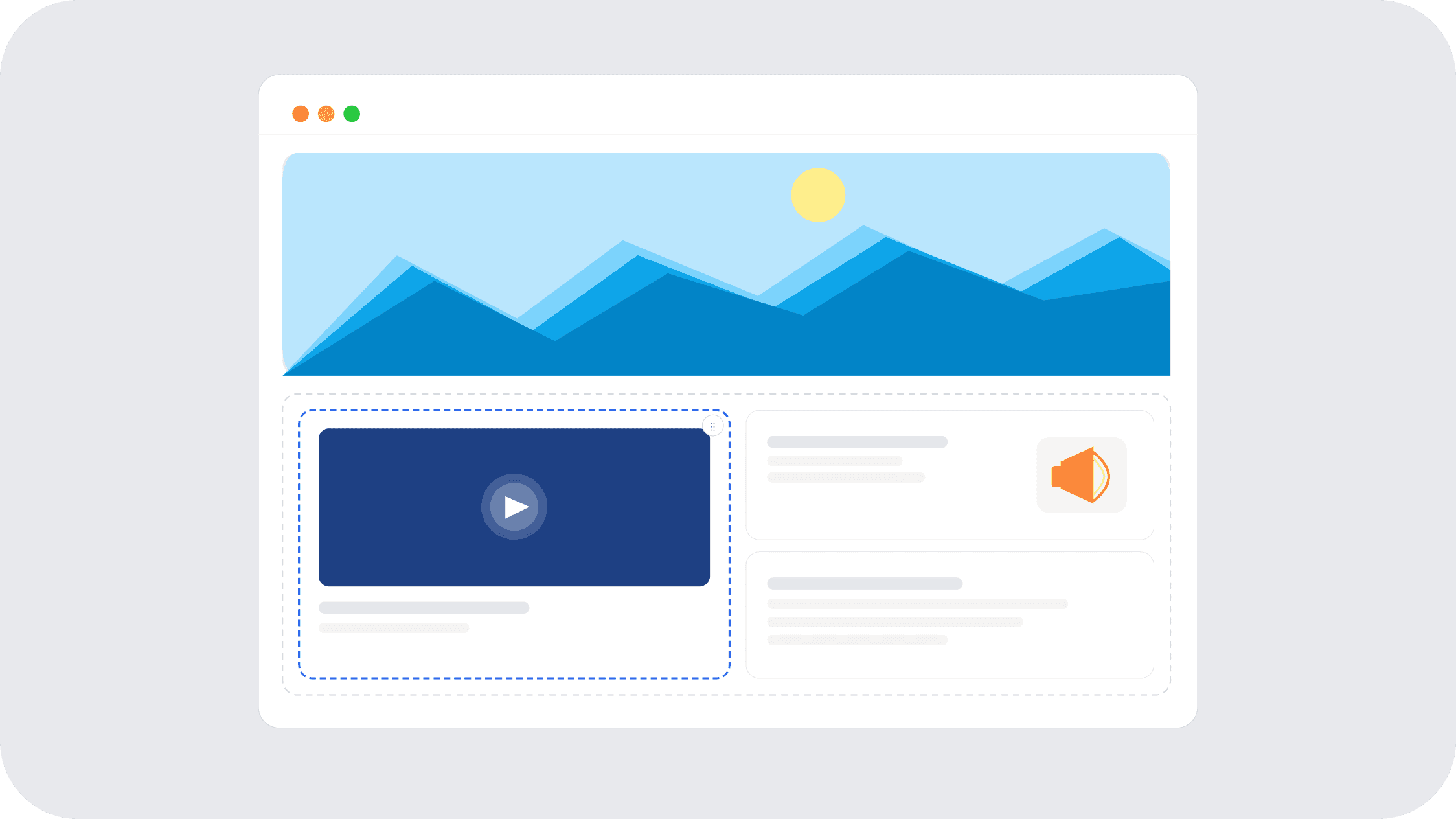
Multi-Zone Layout Builder
Create custom layouts and display multiple content zones on one screen.
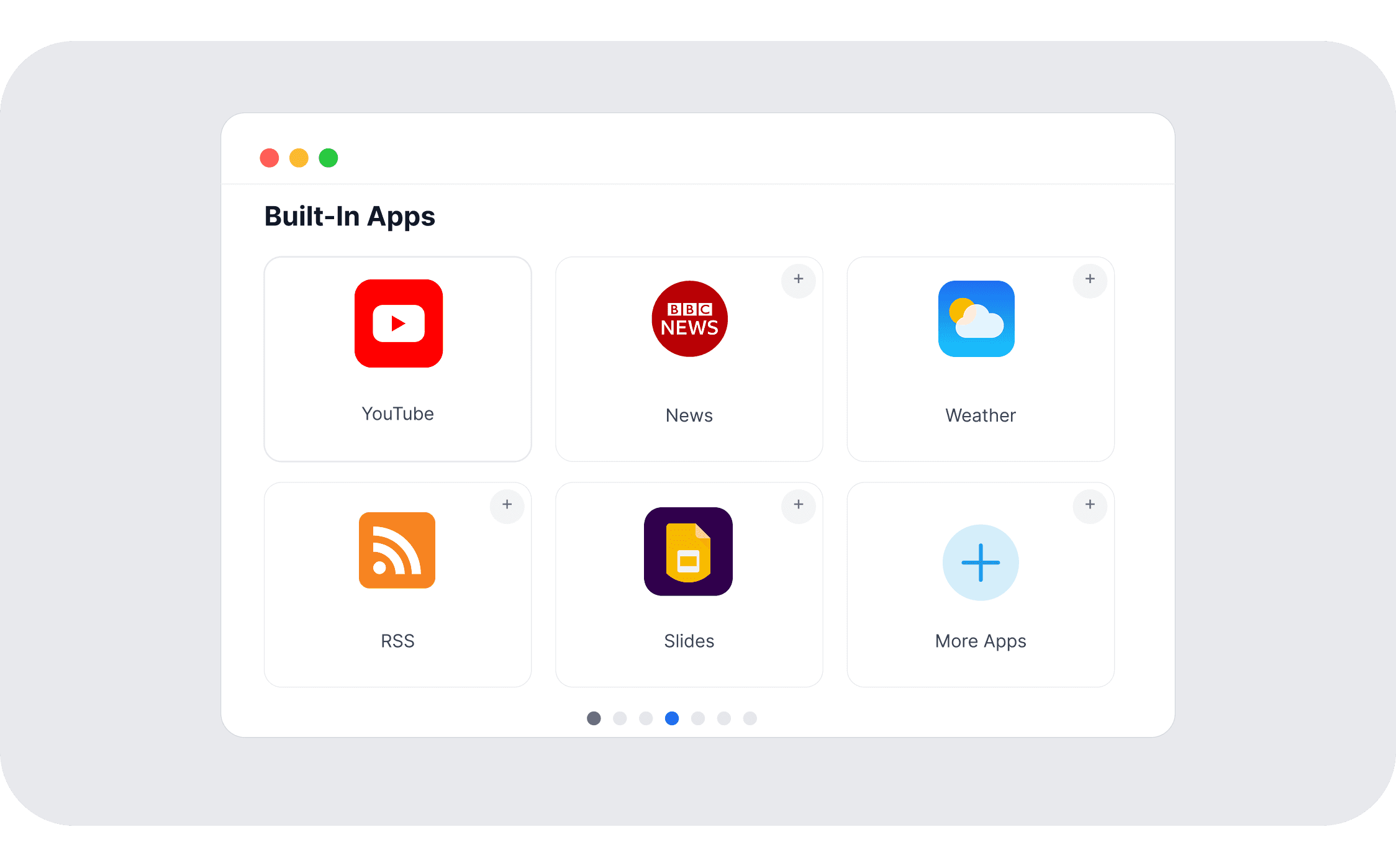
Built-In Apps
Add dynamic content like YouTube, news feeds, weather, RSS, and Google Slides.
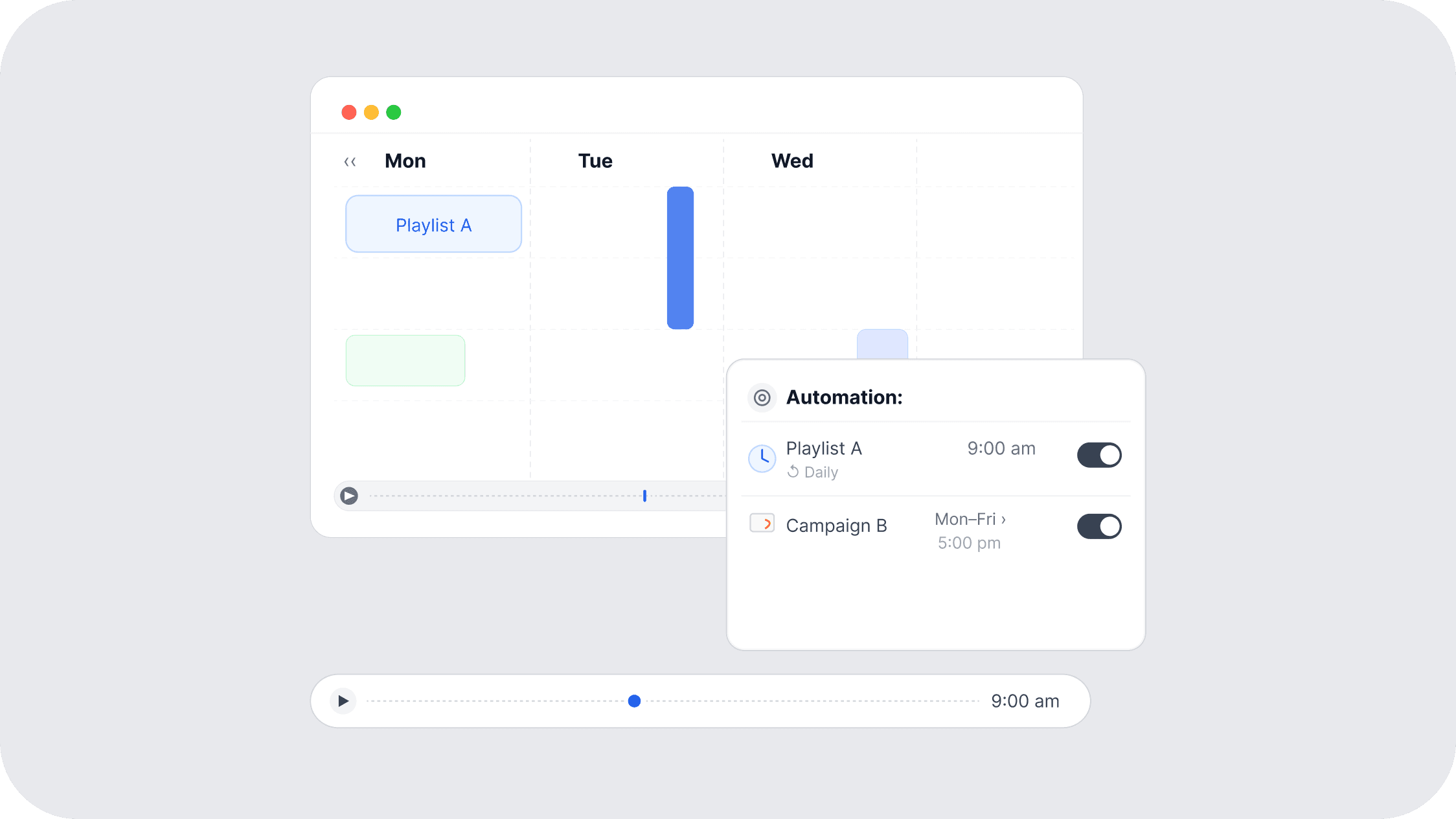
Scheduling & Automation
Schedule playlists, automate campaigns, and control screen timings.
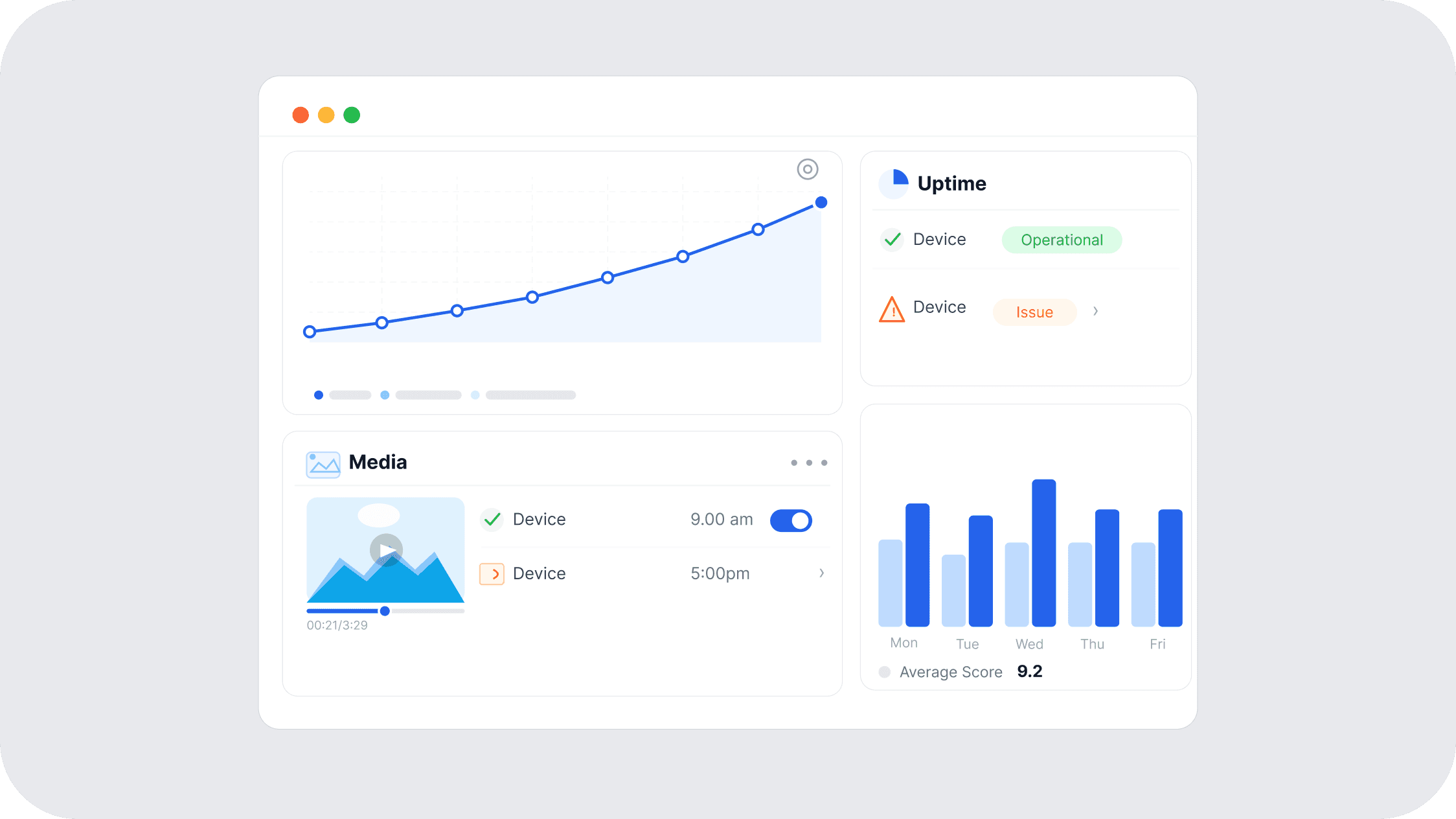
Reporting & Monitoring
Track device uptime, media playback, and screen performance.
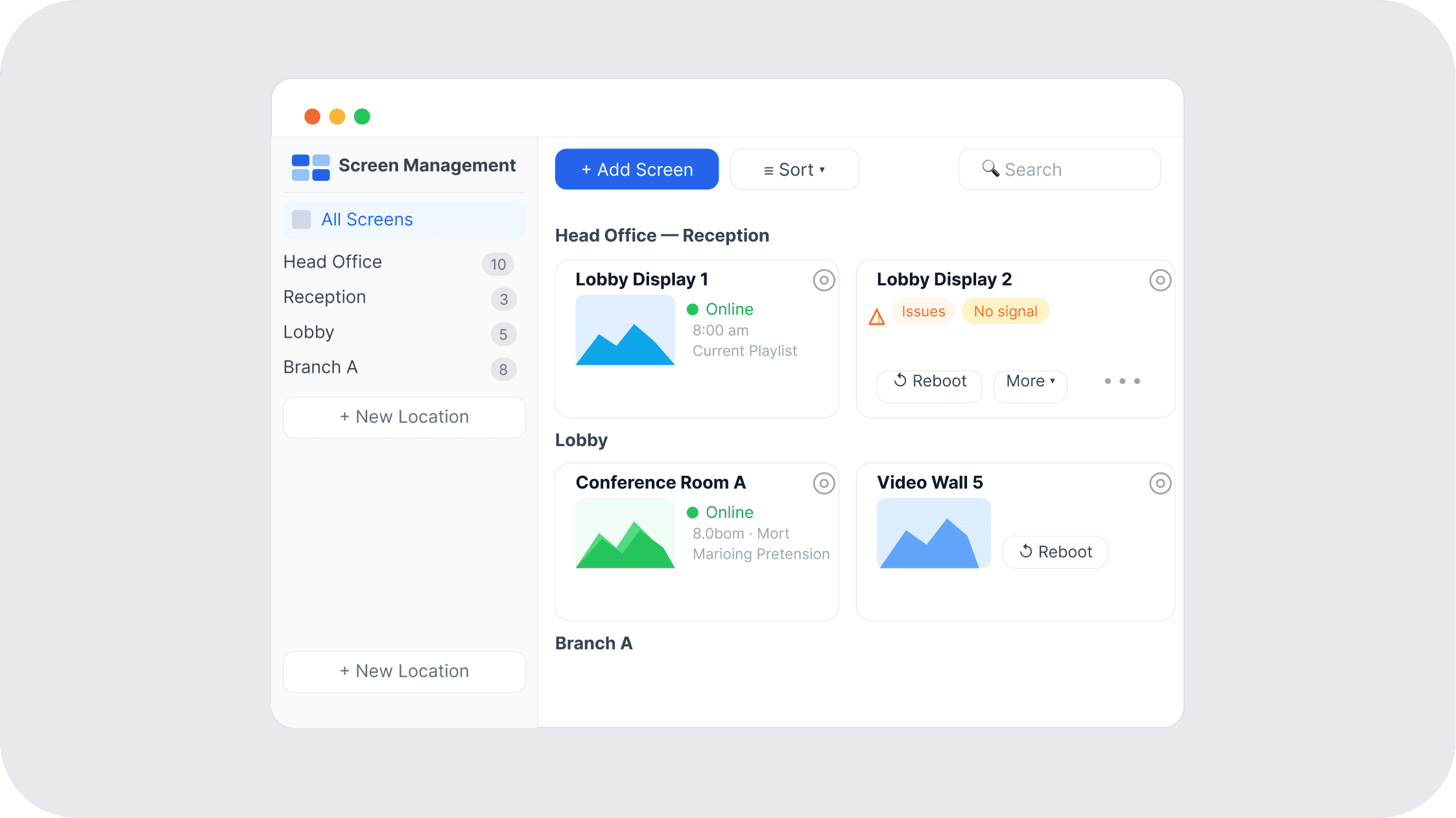
Screen Management
Monitor screen status, manage devices remotely, and organize displays by location.
Content Management
Upload images, videos, PDFs, and organize media in folders for easy publishing.
Multi-Zone Layout Builder
Create custom layouts and display multiple content zones on one screen.
Built-In Apps
Add dynamic content like YouTube, news feeds, weather, RSS, and Google Slides.
Scheduling & Automation
Schedule playlists, automate campaigns, and control screen timings.
Reporting & Monitoring
Track device uptime, media playback, and screen performance.
Screen Management
Monitor screen status, manage devices remotely, and organize displays by location.
Reporting & Monitoring
Track device uptime, media playback, and screen performance.
Built-In Apps
Add dynamic content like YouTube, news feeds, weather, RSS, and Google Slides.
Screen Management
Monitor screen status, manage devices remotely, and organize displays by location.
Scheduling & Automation
Schedule playlists, automate campaigns, and control screen timings.
Multi-Zone Layout Builder
Create custom layouts and display multiple content zones on one screen.
Content Management
Upload images, videos, PDFs, and organize media in folders for easy publishing.
BENEFITS
Why Businesses Choose Flickerwall
Our digital signage solutions can benefit your organization, no matter your industry.
BENEFITS
Why Businesses Choose Flickerwall
Our digital signage solutions can benefit your organization, no matter your industry.
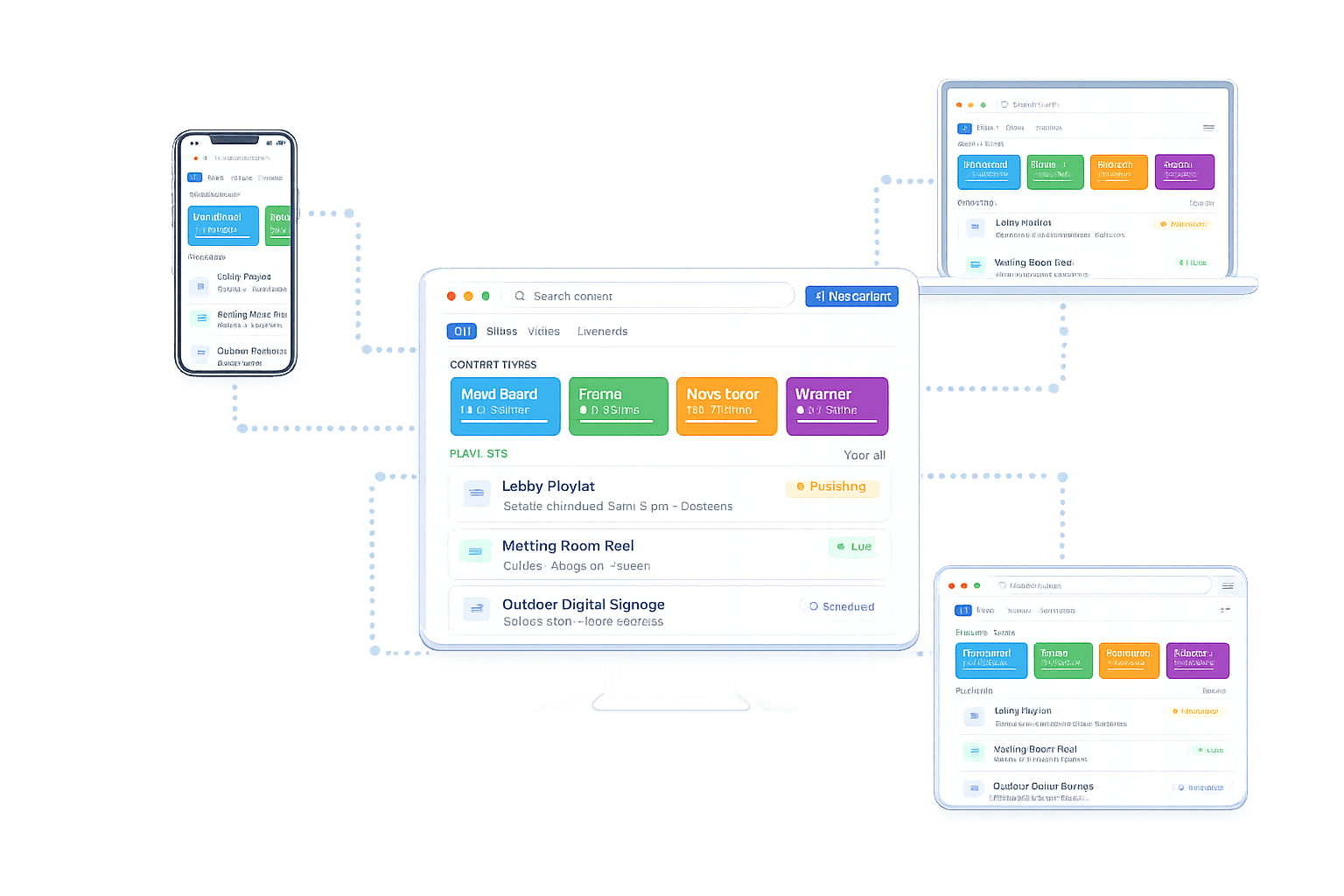
Manage Screens On The Go
Access the Flickerwall CMS from Apple, Android, Windows, or any browser using PWA.
Flexible Deployment
Choose the deployment model that fits your organization.
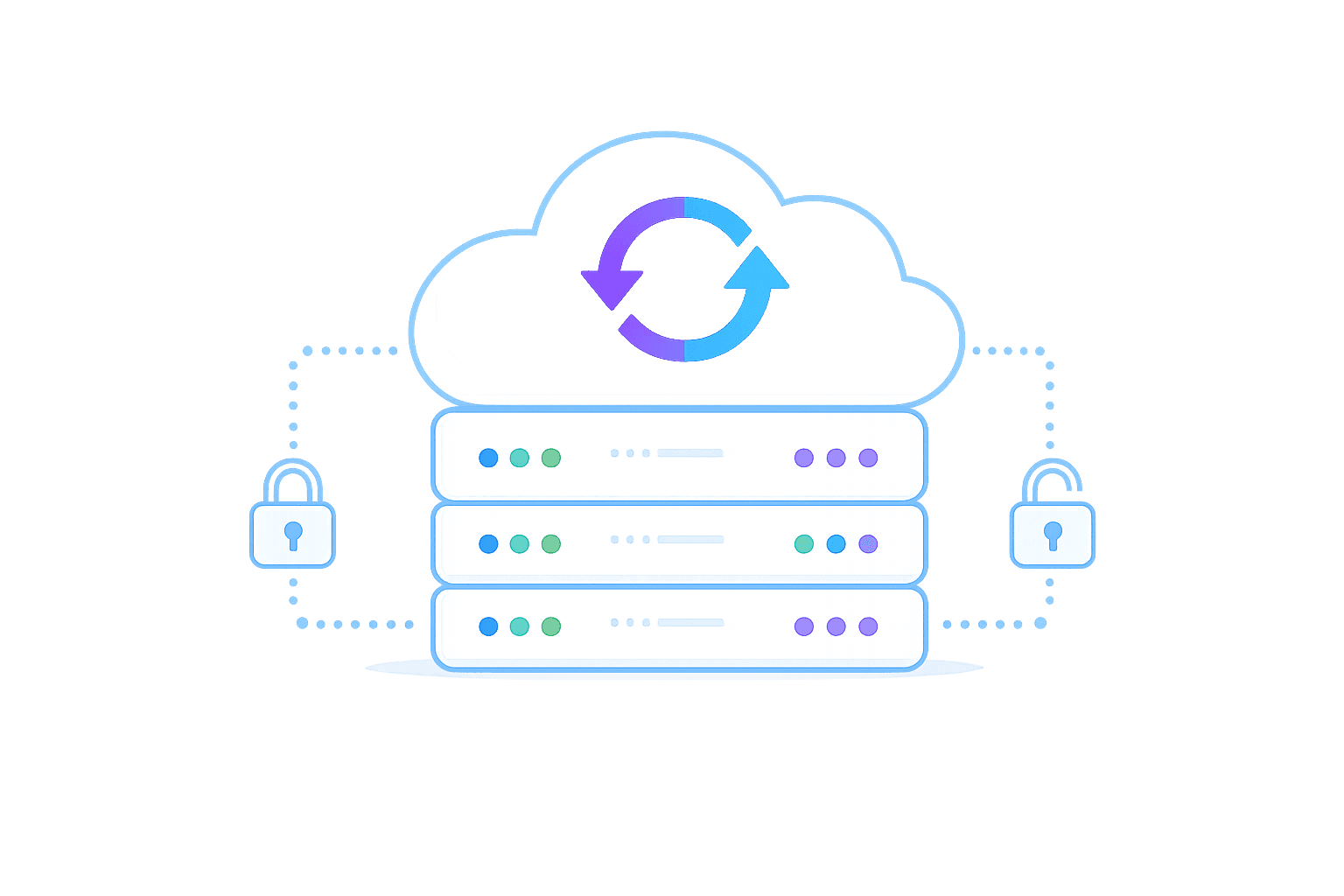
Cloud
fully managed and continuously updated
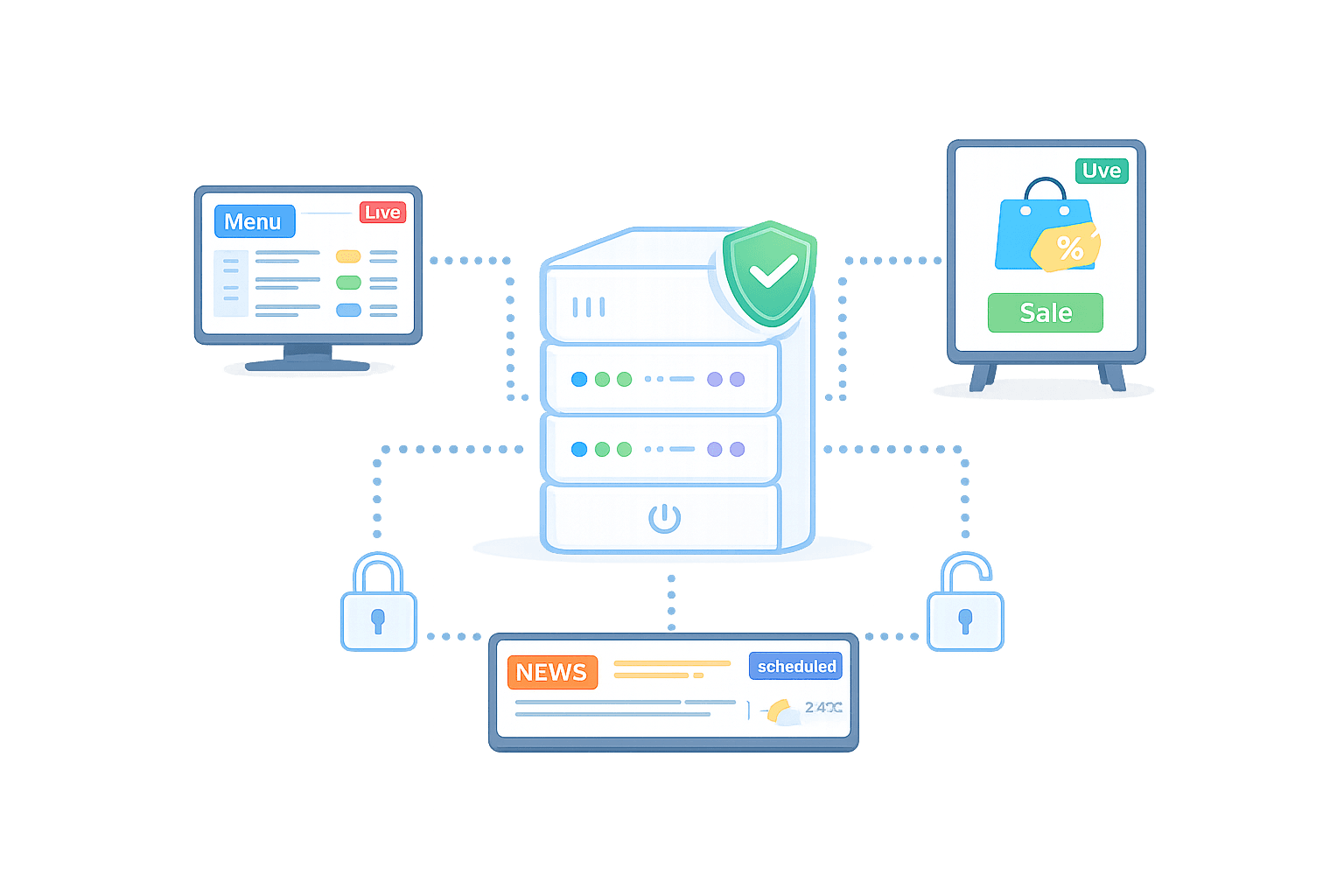
On-Prem-Lite
self-hosted for small screen networks
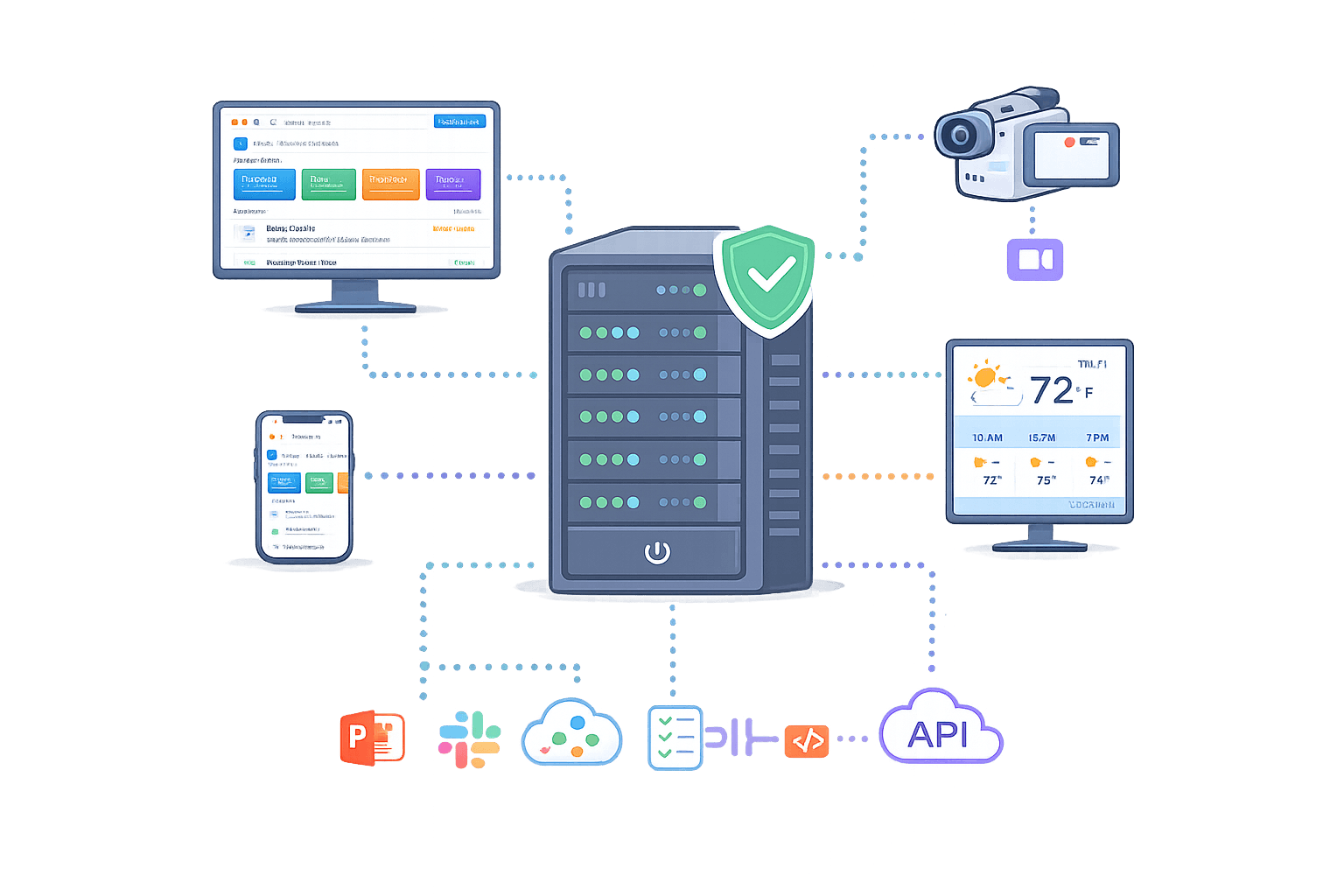
On-Prem-Pro
enterprise deployment with custom integrations
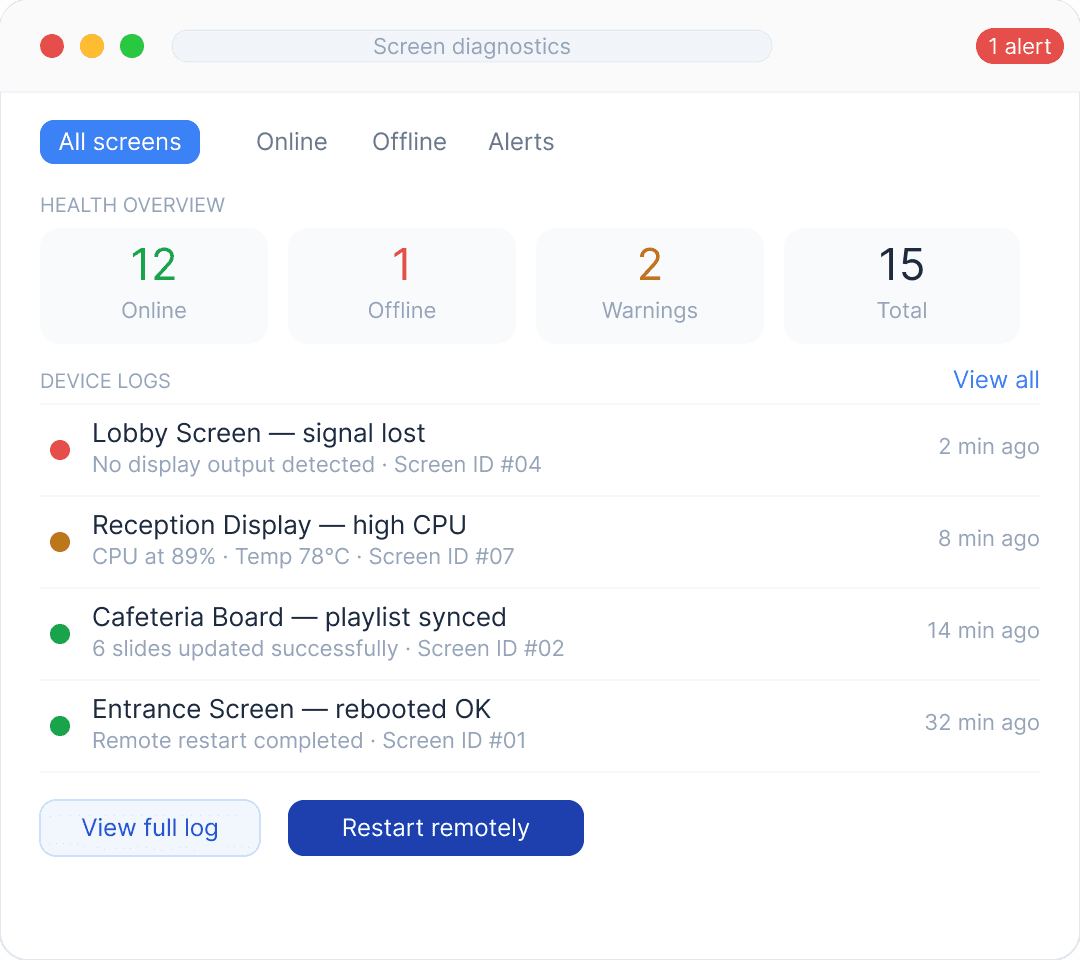
Remote Screen Diagnostics
Monitor screen health, view device logs, and troubleshoot issues remotely from the CMS.
Manage Screen Content
Design, update, and manage your screen content centrally.
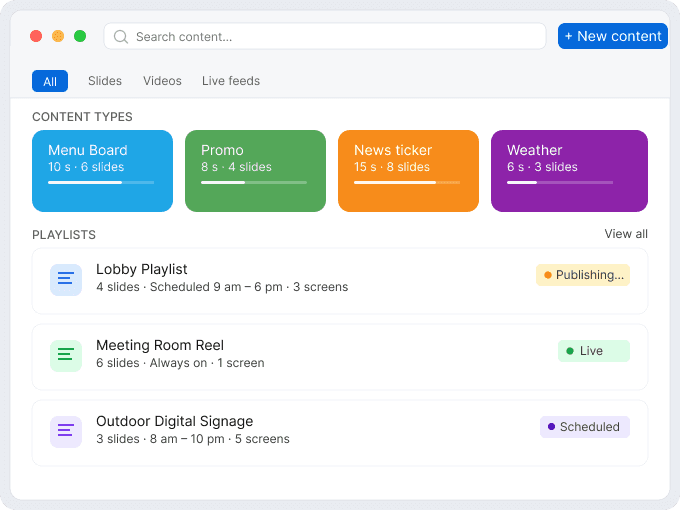
Enterprise Governance
Test different email versions.
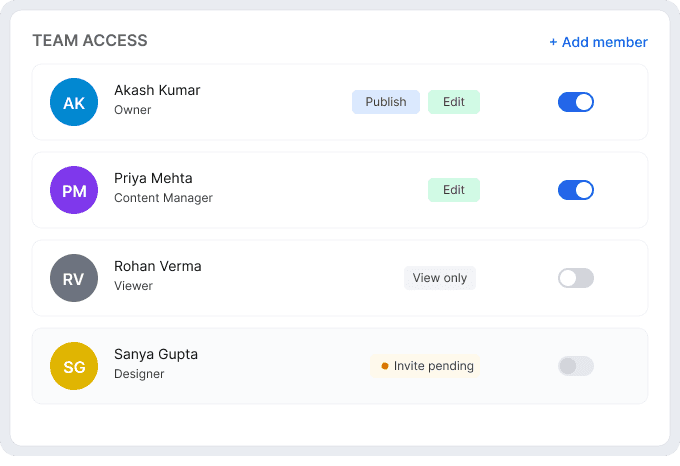
Works With the Devices You Already Have
Our CMS is compatible with TVs, media players, and 50+ devices — Android, Windows, LG webOS, Tizen, Fire TV, ChromeOS, and more.


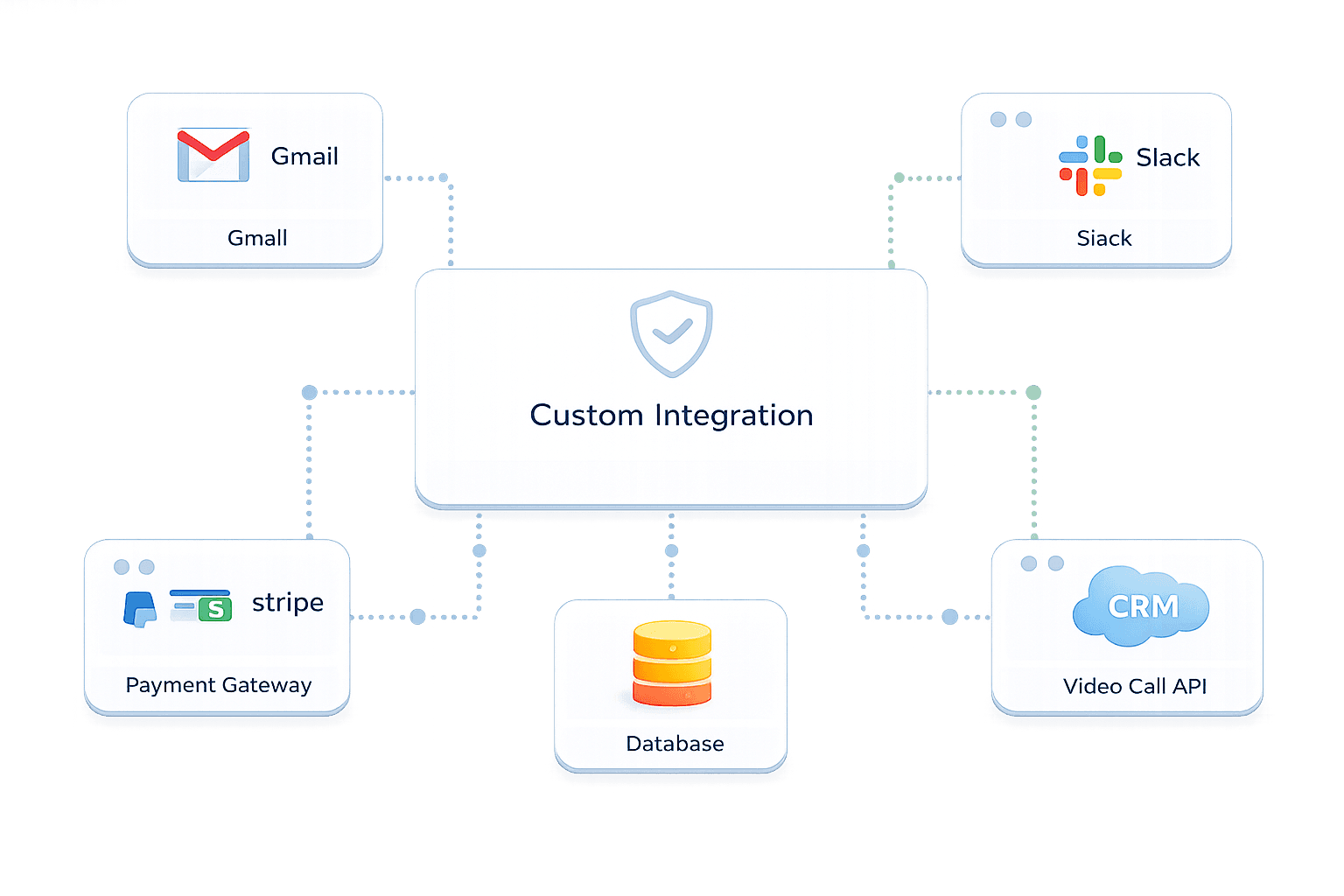
Custom Integrations & APIs
Build custom apps and connect dashboards, APIs, and automation workflows.
Manage Screens On The Go
Access the Flickerwall CMS from Apple, Android, Windows, or any browser using PWA.
Flexible Deployment
Choose the deployment model that fits your organization.
Cloud
fully managed and continuously updated
On-Prem-Lite
self-hosted for small screen networks
On-Prem-Pro
enterprise deployment with custom integrations
Remote Screen Diagnostics
Monitor screen health, view device logs, and troubleshoot issues remotely from the CMS.
Manage Screen Content
Design, update, and manage your screen content centrally.
Enterprise Governance
Test different email versions.
Works With the Devices You Already Have
Our CMS is compatible with TVs, media players, and 50+ devices — Android, Windows, LG webOS, Tizen, Fire TV, ChromeOS, and more.
Custom Integrations & APIs
Build custom apps and connect dashboards, APIs, and automation workflows.
SUCCESS STORIES
Real Businesses. Real Results.
Our digital signage solutions can benefit your organization, no matter your industry.
SUCCESS STORIES
Real Businesses. Real Results.
Our digital signage solutions can benefit your organization, no matter your industry.
DOOH

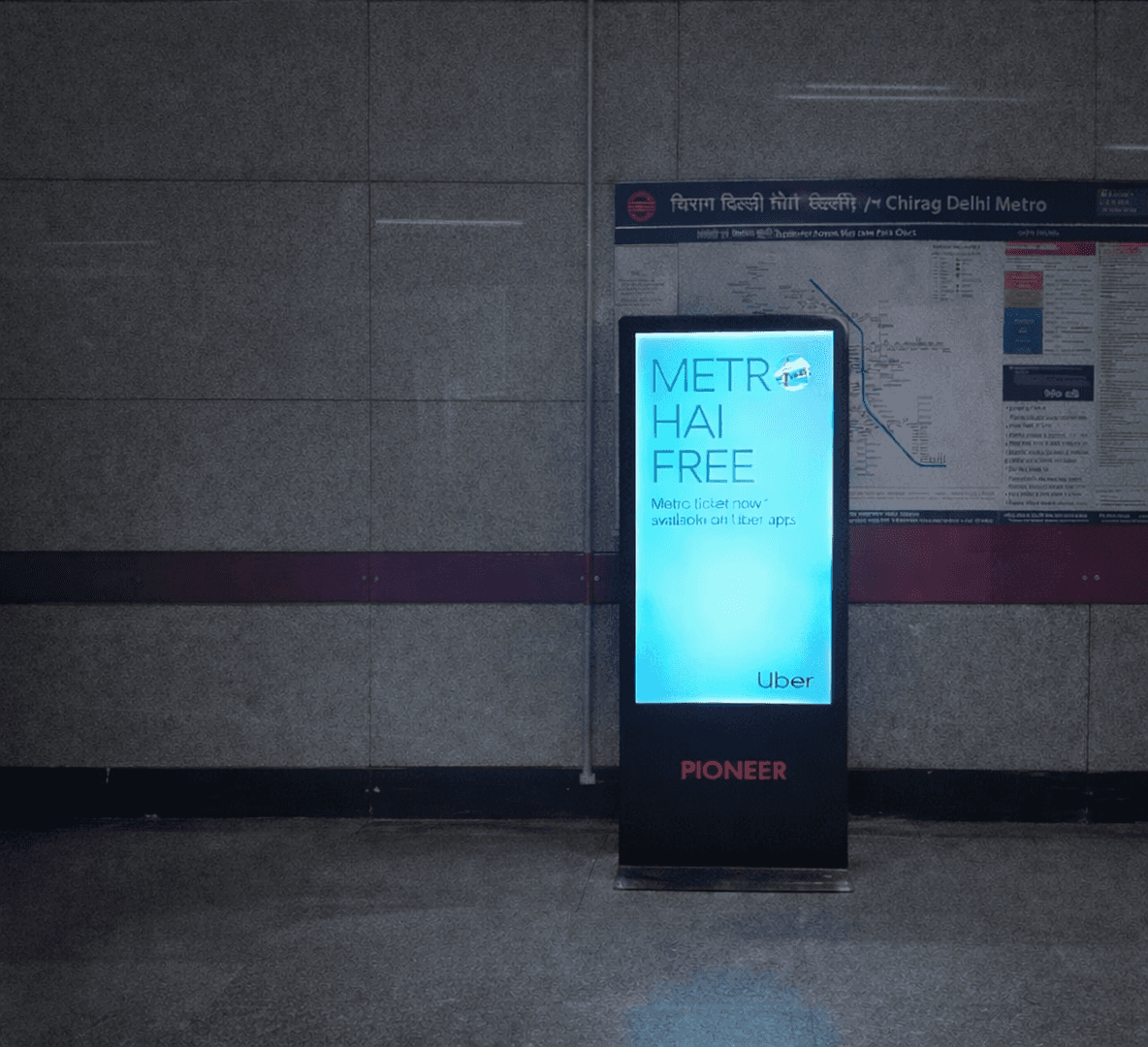
A leading DOOH operator in the Delhi Metro uses Flickerwall to manage hundreds of digital screens across stations. With Flickerwall’s centralized CMS, the team can schedule ad campaigns, manage screen inventory, and monitor playback performance across the entire network from a single dashboard.
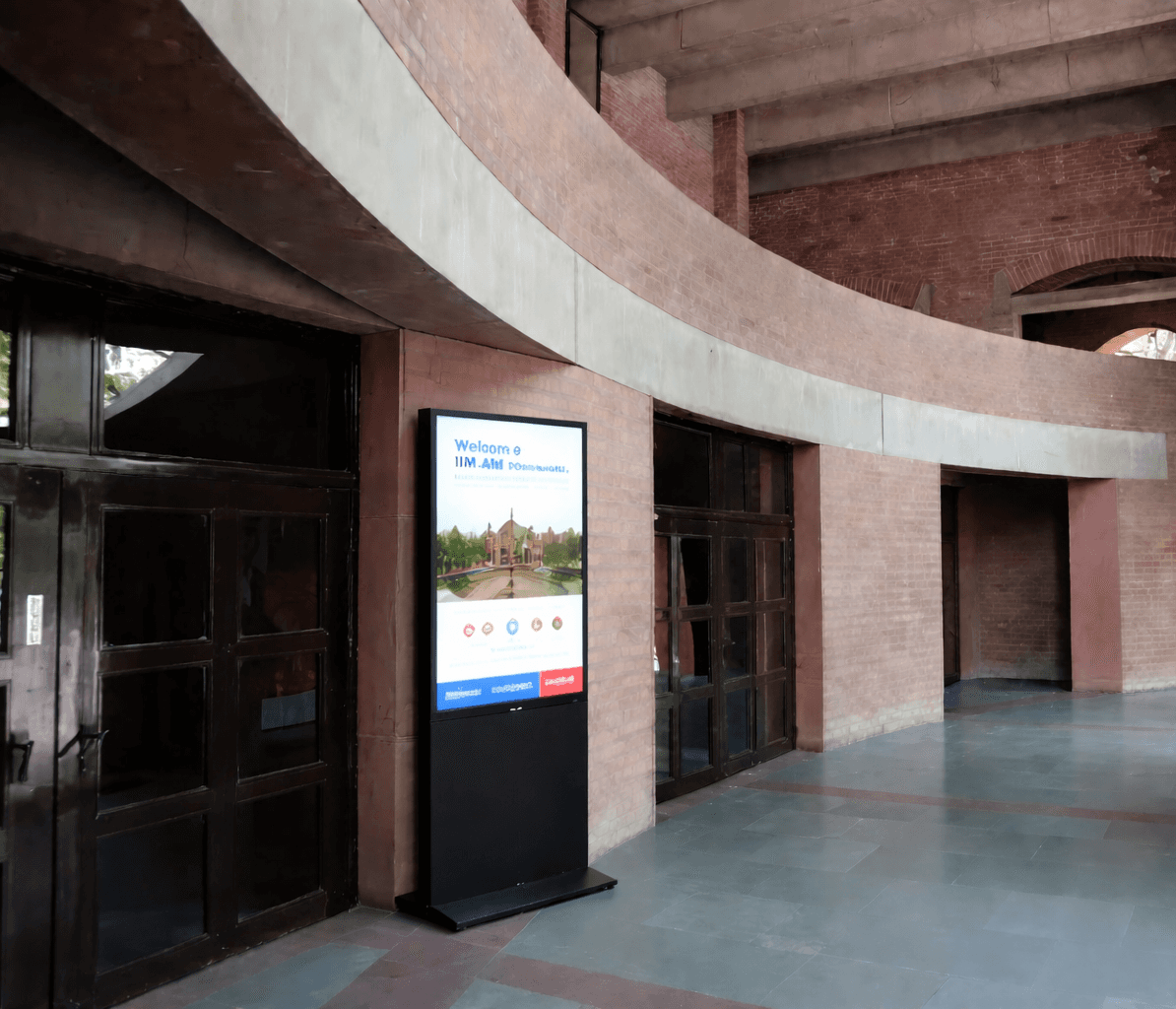
Education

Flickerwall helps manage digital displays across the campus of Indian Institute of Management Ahmedabad. Administrative teams use the platform to publish announcements, event updates, and important information across multiple buildings from a centralized CMS.
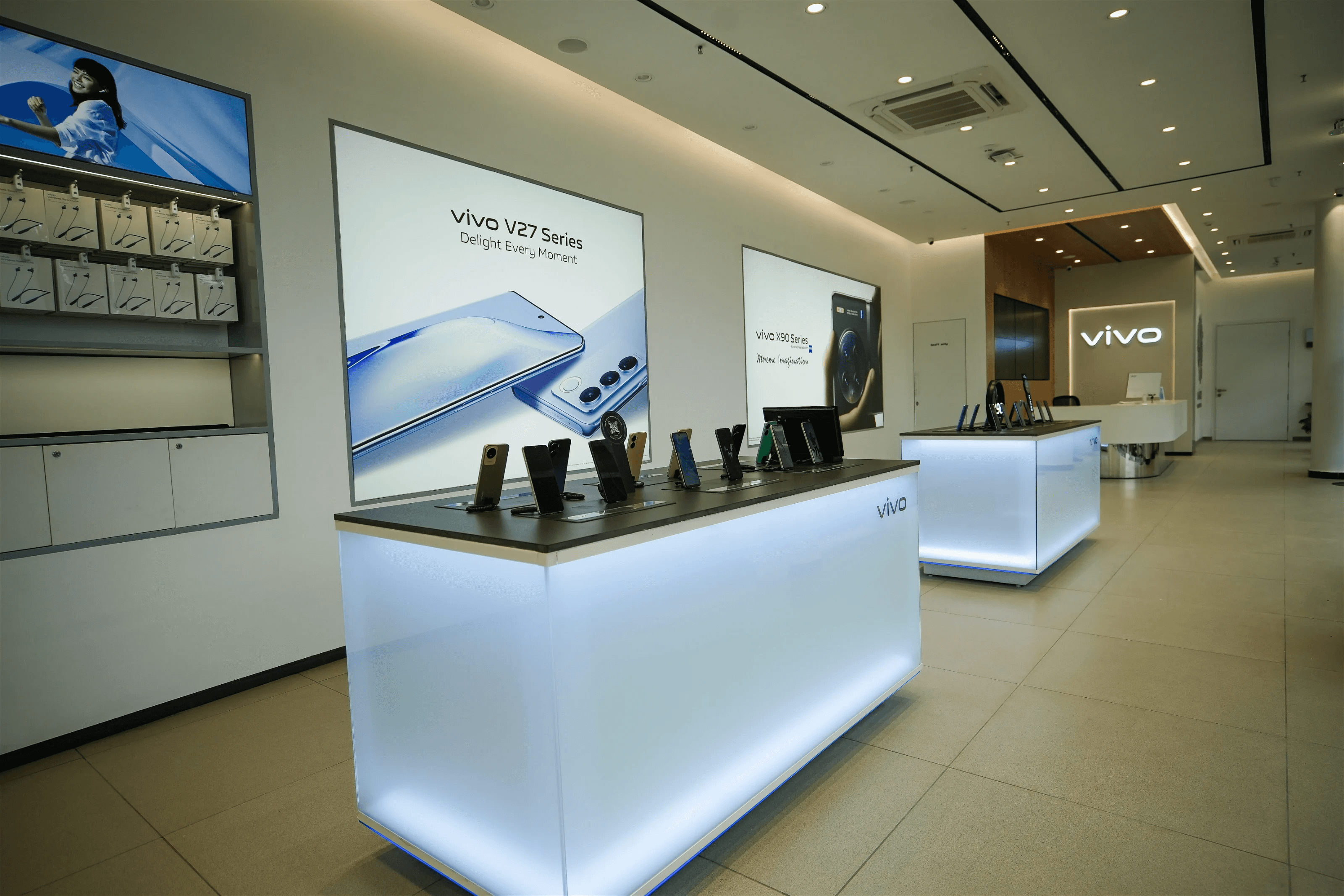
Retail

Vivo stores use Flickerwall to showcase product launches, promotional campaigns, and brand visuals across in-store digital displays. The centralized CMS allows teams to update content remotely while maintaining consistent branding across locations.
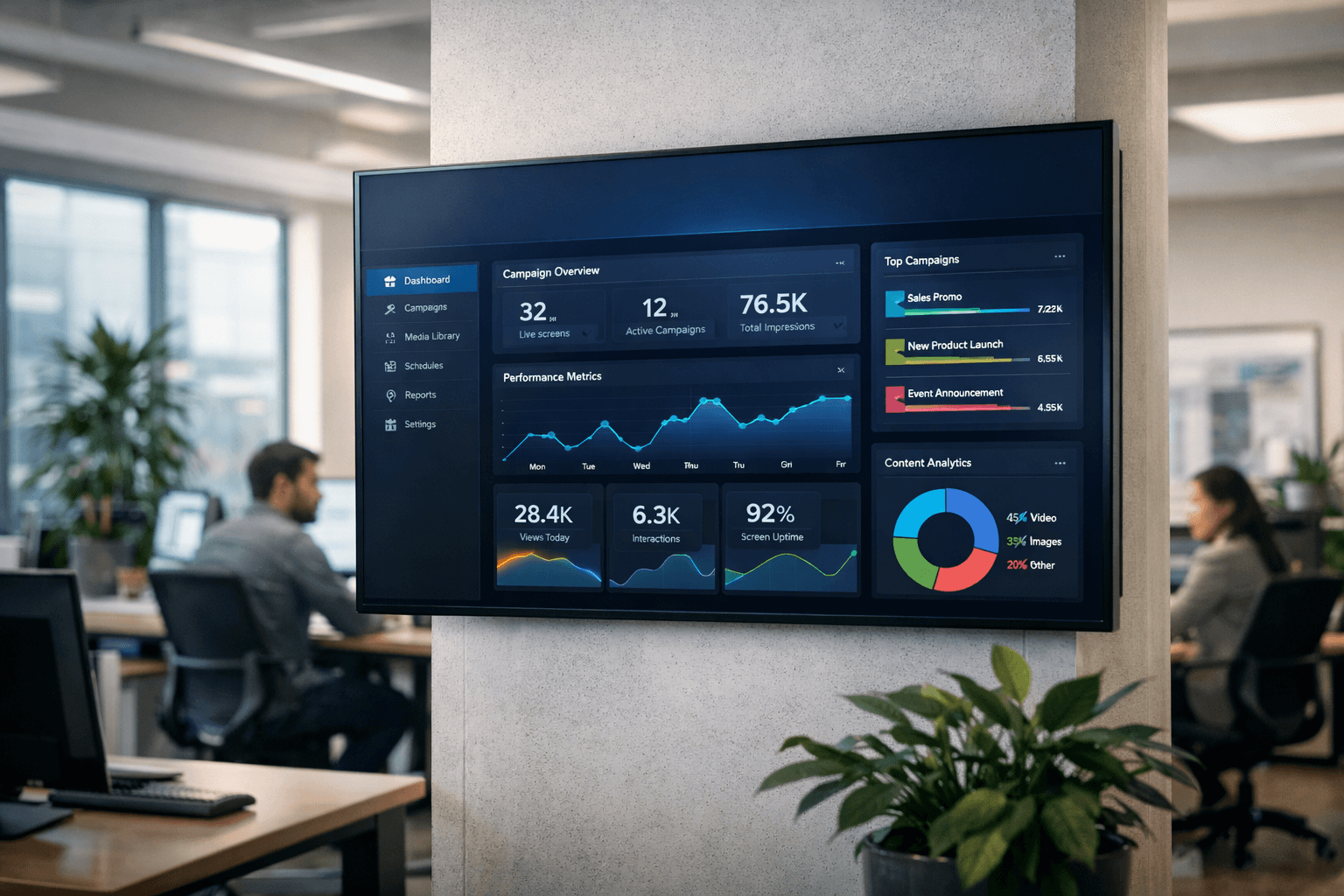
Corporate

Powerplay uses Flickerwall to display live operational dashboards across their facilities. By integrating analytics tools like Grafana and Microsoft Power BI, teams can monitor performance metrics and insights on large screens in real time.
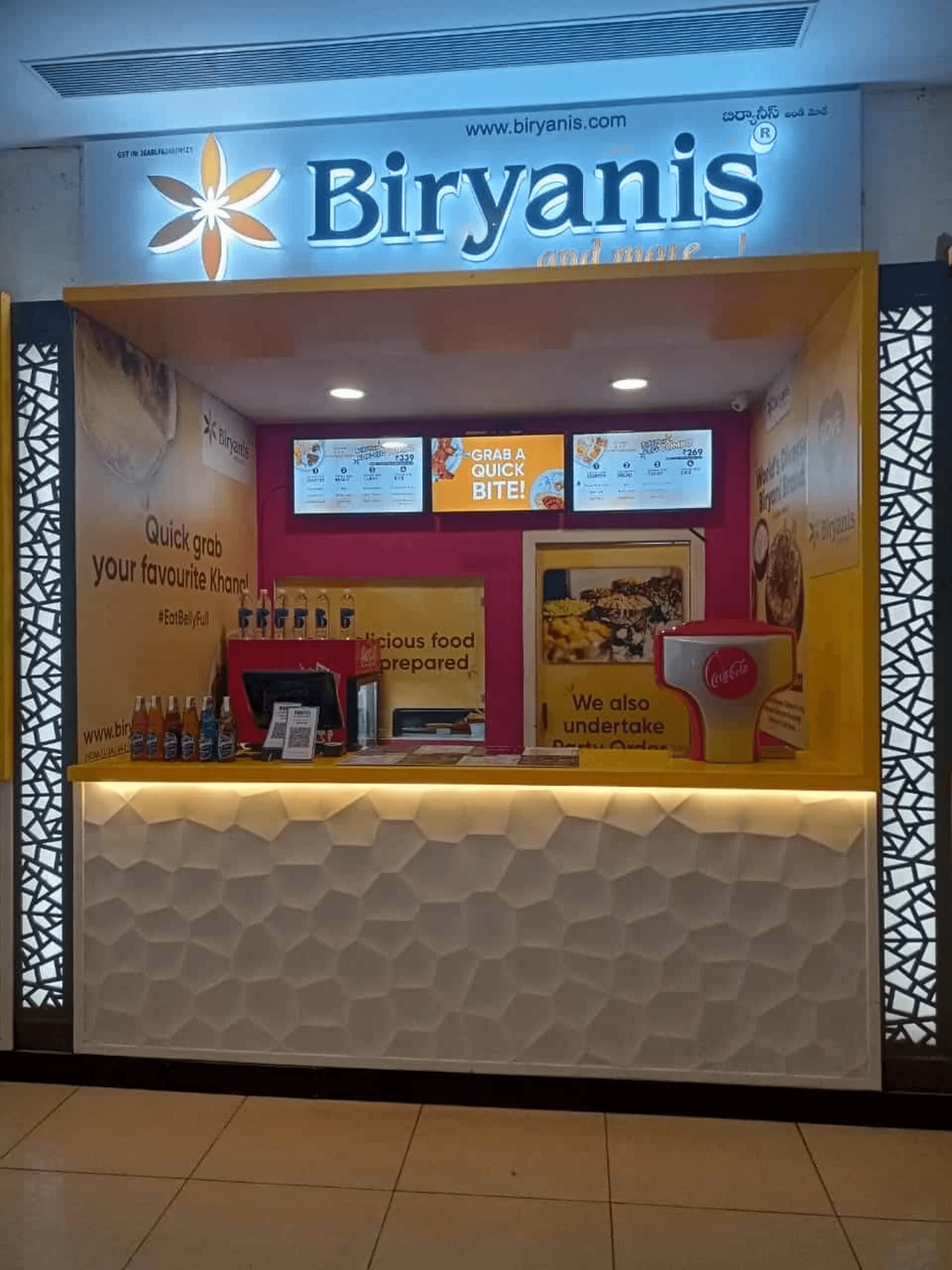
Restaurant

Biryanis and More manages digital menu boards across its restaurant locations in India and Canada using Flickerwall. The platform enables instant menu updates, promotions, and consistent branding across all outlets from a single CMS.
Education
Flickerwall helps manage digital displays across the campus of Indian Institute of Management Ahmedabad. Administrative teams use the platform to publish announcements, event updates, and important information across multiple buildings from a centralized CMS.
Retail
Vivo stores use Flickerwall to showcase product launches, promotional campaigns, and brand visuals across in-store digital displays. The centralized CMS allows teams to update content remotely while maintaining consistent branding across locations.
Restaurant
Biryanis and More manages digital menu boards across its restaurant locations in India and Canada using Flickerwall. The platform enables instant menu updates, promotions, and consistent branding across all outlets from a single CMS.
Corporate
Powerplay uses Flickerwall to display live operational dashboards across their facilities. By integrating analytics tools like Grafana and Microsoft Power BI, teams can monitor performance metrics and insights on large screens in real time.
DOOH
A leading DOOH operator in the Delhi Metro uses Flickerwall to manage hundreds of digital screens across stations. With Flickerwall’s centralized CMS, the team can schedule ad campaigns, manage screen inventory, and monitor playback performance across the entire network from a single dashboard.
INTEGRATIONS
Connect Your Favorite Tools
Bring live data and content from the platforms you already use.
INTEGRATIONS
Connect Your Favorite Tools
Bring live data and content from the platforms you already use.













PRICING
Easy to Start, Easy to Scale
We take pride in our attention to detail and commitment to customer satisfaction.
PRICING
Easy to Start, Easy to Scale
We take pride in our attention to detail and commitment to customer satisfaction.
Monthly
Yearly
For small businesses
$3
/ Per month
Everything you need to get your screens live. No complexity, no contracts.
All Types of Media
Web pages and YouTube videos
30+ Apps / Integrations
Screen Schedules & Working Hours
Screen grouping by Region
Content approval workflow
Proof of play reports
For growing businesses
$5
/ Per month
Multi-location control, team workflows, and powerful integrations, all in one.
Multi-zone split-screen layouts
Content approval (maker-checker)
Proof of play reports
Live data feed
Interactive Kiosk App
Screen health alerts
Enterprise SSO / SAML
On-Prem Lite
$25
/ one time
Free for personal use
Server on any existing Windows PC
Offline playback built-in
Up to 25 screens on 1 network
Build playlists & schedule content
All Types of Media (img,vid,pdf)
Remote control of screen
No recurring charges ever
Monthly
Yearly
For small businesses
$3
/ Per month
Everything you need to get your screens live. No complexity, no contracts.
All Types of Media
Web pages and YouTube videos
30+ Apps / Integrations
Screen Schedules & Working Hours
Screen grouping by Region
Content approval workflow
Proof of play reports
For growing businesses
$5
/ Per month
Multi-location control, team workflows, and powerful integrations, all in one.
Multi-zone split-screen layouts
Content approval (maker-checker)
Proof of play reports
Live data feed
Interactive Kiosk App
Screen health alerts
Enterprise SSO / SAML
Premium Plan
$25
/ Per month
Installs on your existing PC. Runs on your local network. Up to 25 screens. One-time payment and you own it forever
API + webhooks
10 GB storage per site
Up to 20 pages per site
Up to 5 pages per site
Up to 5 pages per site
Free SSL for custom domain
Connect custom domain
FREQUENTLY ASKED QUESTIONS
Connect Your Favorite Tools
Bring live data and content from the platforms you already use.
Do I need technical skills to set this up?
By managing repetitive duties such as dispatch, document management, and customer chats, our agents free up your staff to focus on what truly matters.
What are the common issues with digital signage
Why Flickerwall?
What do I need to get started
What if I need help with setup or features
How do I install Flickerwall
FREQUENTLY ASKED QUESTIONS
Connect Your Favorite Tools
Bring live data and content from the platforms you already use.
Do I need technical skills to set this up?
By managing repetitive duties such as dispatch, document management, and customer chats, our agents free up your staff to focus on what truly matters.
What are the common issues with digital signage
Why Flickerwall?
What do I need to get started
What if I need help with setup or features
How do I install Flickerwall
FREQUENTLY ASKED QUESTIONS
Connect Your Favorite Tools
Bring live data and content from the platforms you already use.
Do I need technical skills to set this up?
By managing repetitive duties such as dispatch, document management, and customer chats, our agents free up your staff to focus on what truly matters.
What are the common issues with digital signage
Why Flickerwall?
What do I need to get started
What if I need help with setup or features
How do I install Flickerwall
Digital Signage Platform for Businesses.
Digital Signage Platform for Businesses.
Manage screens. Publish content. Scale your display network.
Manage screens. Publish content. Scale your display network.